Summary
To view future messaging set up using the SEND LATER feature in the Communication Center, click Delayed Messaging Status:
- Choose to see either 2 or 4 months at a time. Days enabled with SEND LATER messaging will show in green.
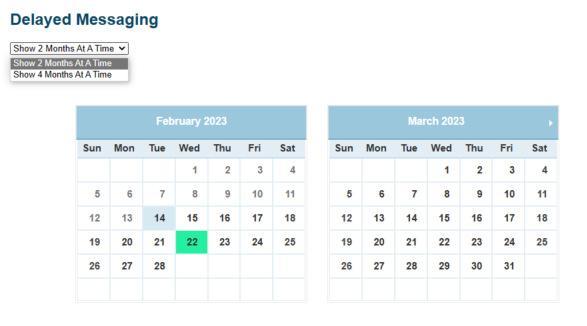 Calendar with SEND LATER days enabled
 - Click on the calendar date in green to display the details of the send later message, including; method of delivery, target group, templates used, and the date and time to send. You have the ability to change the date and send time or cancel the messaging.
 View messages to be sent later
